
Best TikTok Photo & Slideshow Downloader
TikTok photo slides (carousel / swipe posts) are incredibly popular. SnapTik Photo Downloader allows you to easily save all images from a TikTok slideshow without any watermark. You can download the images individually or save the entire slide deck merged as a clean MP4 video.

TikTok photos and carousels
Download TikTok photos without watermark from carousels and swipe posts
TikTok photo posts often include multiple images, captions, and audio. This page is optimized to save each high-resolution image or turn the slideshow into MP4 when you want to keep the full visual story.
Photo keywords
download TikTok photos, save TikTok images, TikTok photo downloader, TikTok carousel without watermark, HD slideshow images.
Available output
When the post supports multiple images, you can save photos one by one, keep original quality, or choose a compiled MP4 video for easier sharing.
Use cases
Useful for moodboards, ecommerce references, visual tutorials, recipes, outfits, travel posts, and public educational content with multiple slides.
Related Tools
If the post also has music or you need a different export path, switch to TikTok MP3 Downloader for audio extraction or use TikTok Photo Downloader as your image-first downloader workflow for TikTok carousel posts.
Key Features of TikTok Photo Downloader:
- Bulk Download: Save all photos from a TikTok slideshow post in one click.
- Convert to MP4: Automatically compile slideshow pictures into a clean MP4 video.
- HD Quality: Download high-resolution images without any watermark or logo overlay.
- No Account Required: Save TikTok slides completely anonymously without logging in.
- Works Everywhere: Fully compatible with Safari, Chrome, and all mobile/desktop browsers.
Frequently Asked Questions (FAQ) - TikTok Photos
- Open TikTok and find the photo slideshow post you want to save.
- Tap the Share button and select Copy Link.
- Paste the URL into SnapTik Photo Downloader and click Download.
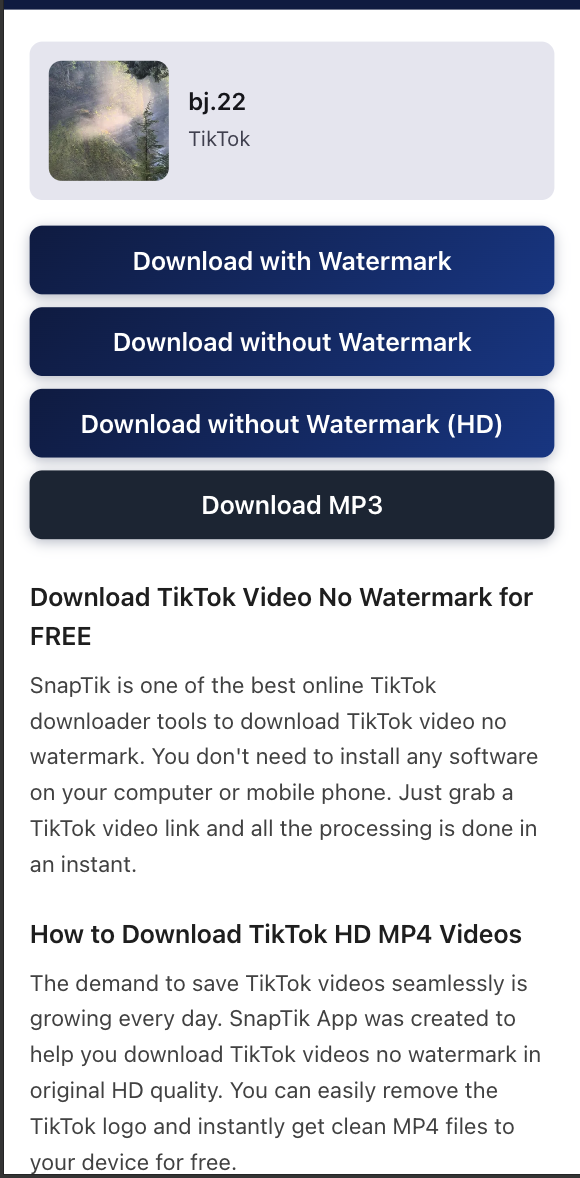
- Choose to download individual photos or the generated MP4 video.
Note: SnapTik (Download TikTok Photos & Slideshows) SnapTik is not affiliated with TikTok or ByteDance Ltd. Ensure you respect content creators' copyrights.