Ultimate TikTok Carousel & Slideshow Downloader
TikTok carousels and slideshow posts allow users to swipe through multiple photos. With SnapTik, you can download all the slides from a TikTok photo post without any watermark. You can download individual high-resolution images or export the entire slideshow compiled as a clean MP4 video.

Slideshows and swipe posts
Save TikTok slideshows as HD images or MP4 video
The slideshow downloader is dedicated to swipe posts with many images. You can extract each slide, keep the carousel order, and choose an MP4 with audio when you want to preserve the full post experience.
Slideshow keywords
download TikTok slideshow, TikTok carousel downloader, save TikTok swipe post, TikTok HD photos, convert slideshow to MP4.
Why this differs from the photo page
The slideshow page emphasizes sequence, music, and video conversion, while the photo page focuses on saving individual images.
Cleaner result
The result is designed to be easy to archive: ordered slides, readable quality, and no watermark when the public content allows it.
Related Tools
If you only need soundtrack, move to TikTok MP3 Downloader. If the goal is saving each image from a carousel post, TikTok Photo Downloader gives you a simpler image-first path.
Key Features of TikTok Slideshow Downloader:
- Bulk Image Save: Download all images in a TikTok photo carousel at once.
- Convert to MP4: Automatically merge all carousel photos into an MP4 video with music.
- Original Resolution: Download HD pictures without the TikTok logo or watermark.
- Compatible & Mobile-Friendly: Works smoothly on all devices including iOS Safari, Chrome, and Android.
- Completely Free: Download unlimited carousels without signing up or paying.
Frequently Asked Questions (FAQ) - TikTok Slideshows
- Open the TikTok app and go to the photo carousel post.
- Tap Share and select Copy Link.
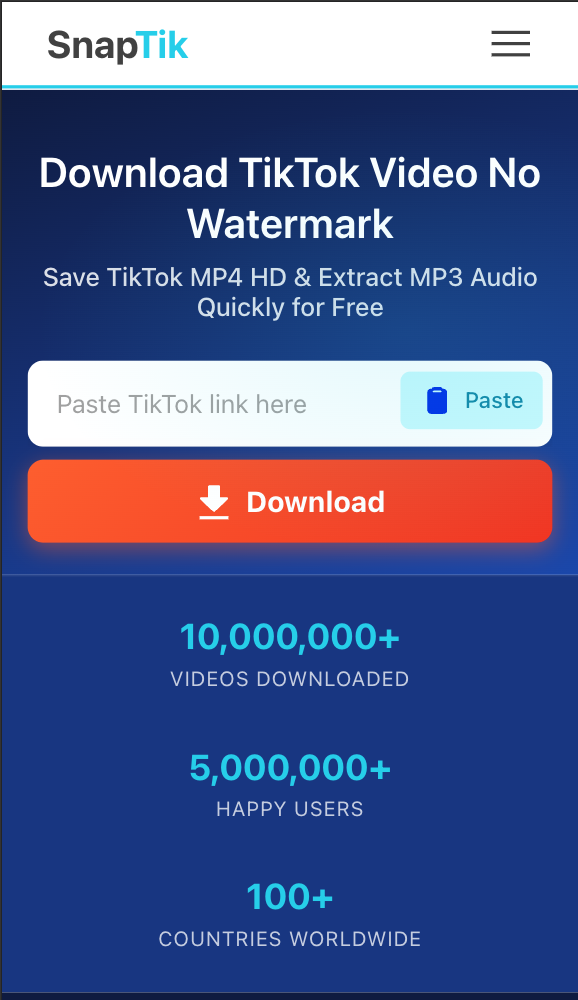
- Paste the link into SnapTik Slideshow Downloader and click Download.
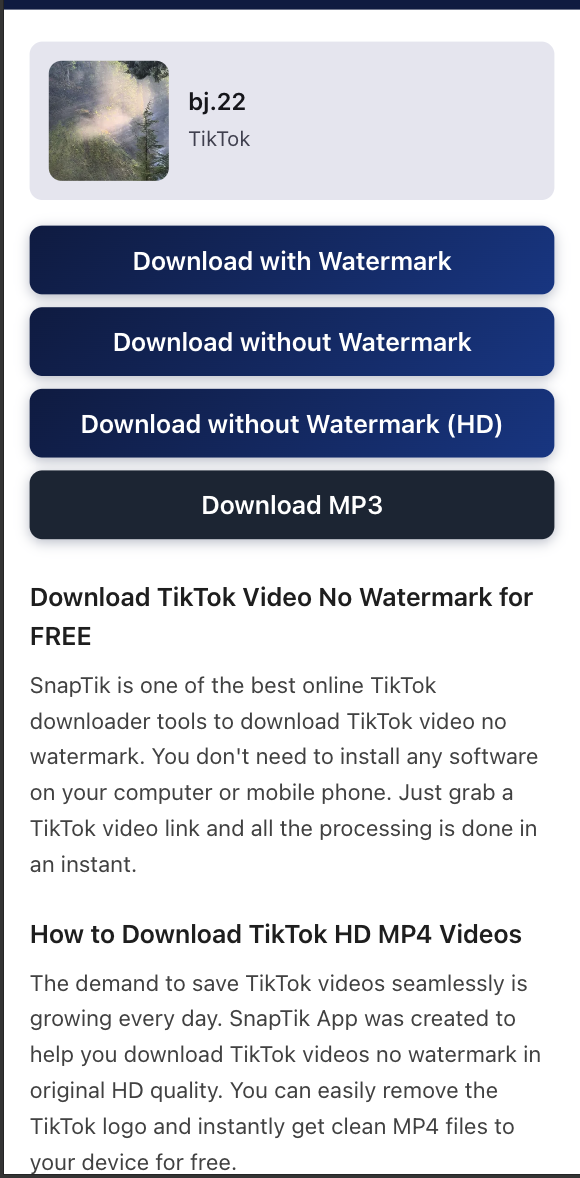
- Select whether to download each image or the compiled MP4 video.
Note: SnapTik (Download TikTok Slideshows & Carousels) SnapTik is not affiliated with TikTok or ByteDance Ltd. Ensure you respect content creators' copyrights.